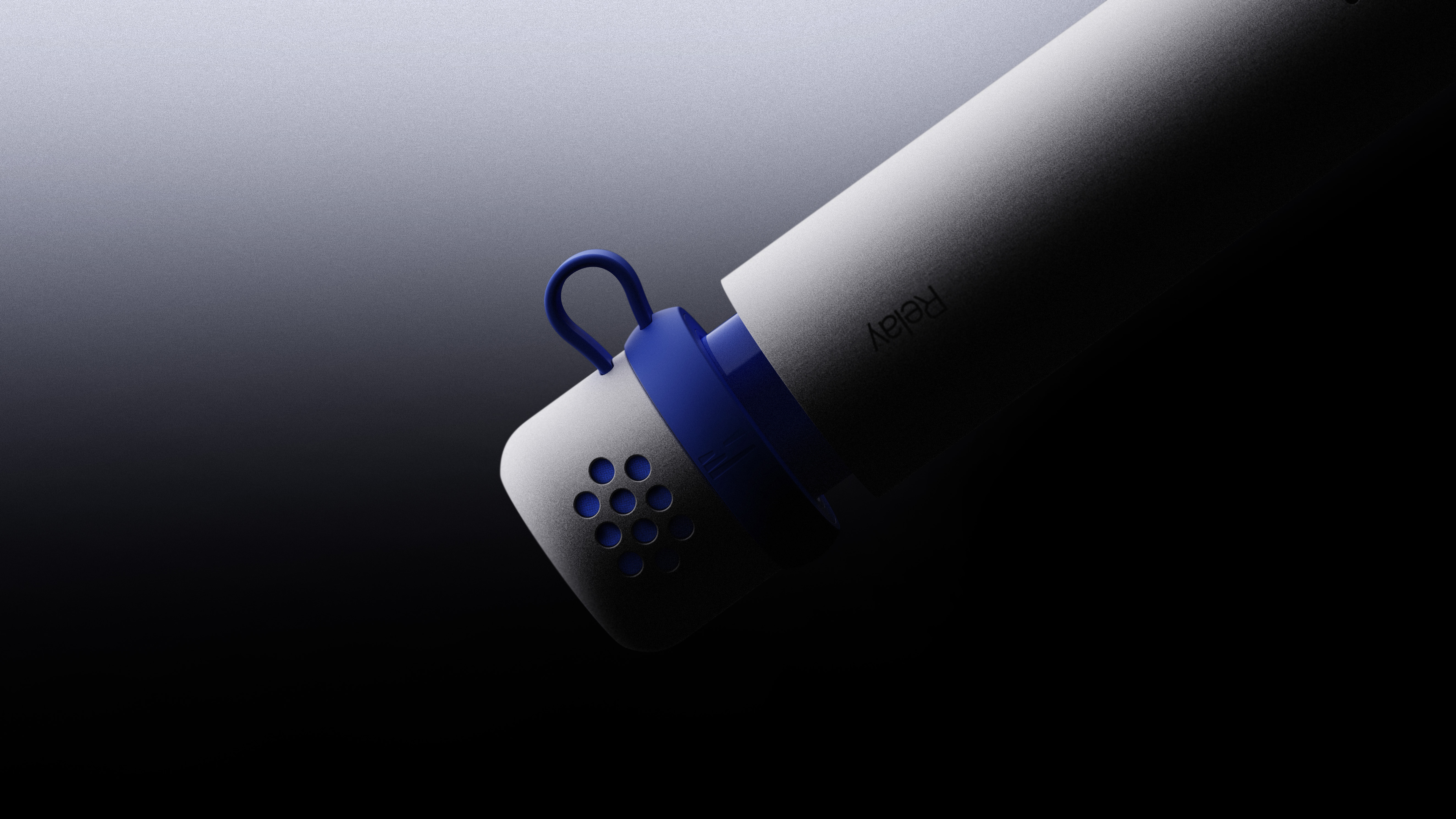
The bridge between your voice and macOS

Introducing
Built to make voice input your first instinct. Hold down as the idea takes shape. Let go when it’s ready.


Relay for macOS
Try Relay Unlimited for 14 days.
DownloadWorks entirely on its own. Relay Q is optional.Available for macOS · Open on your Mac to download.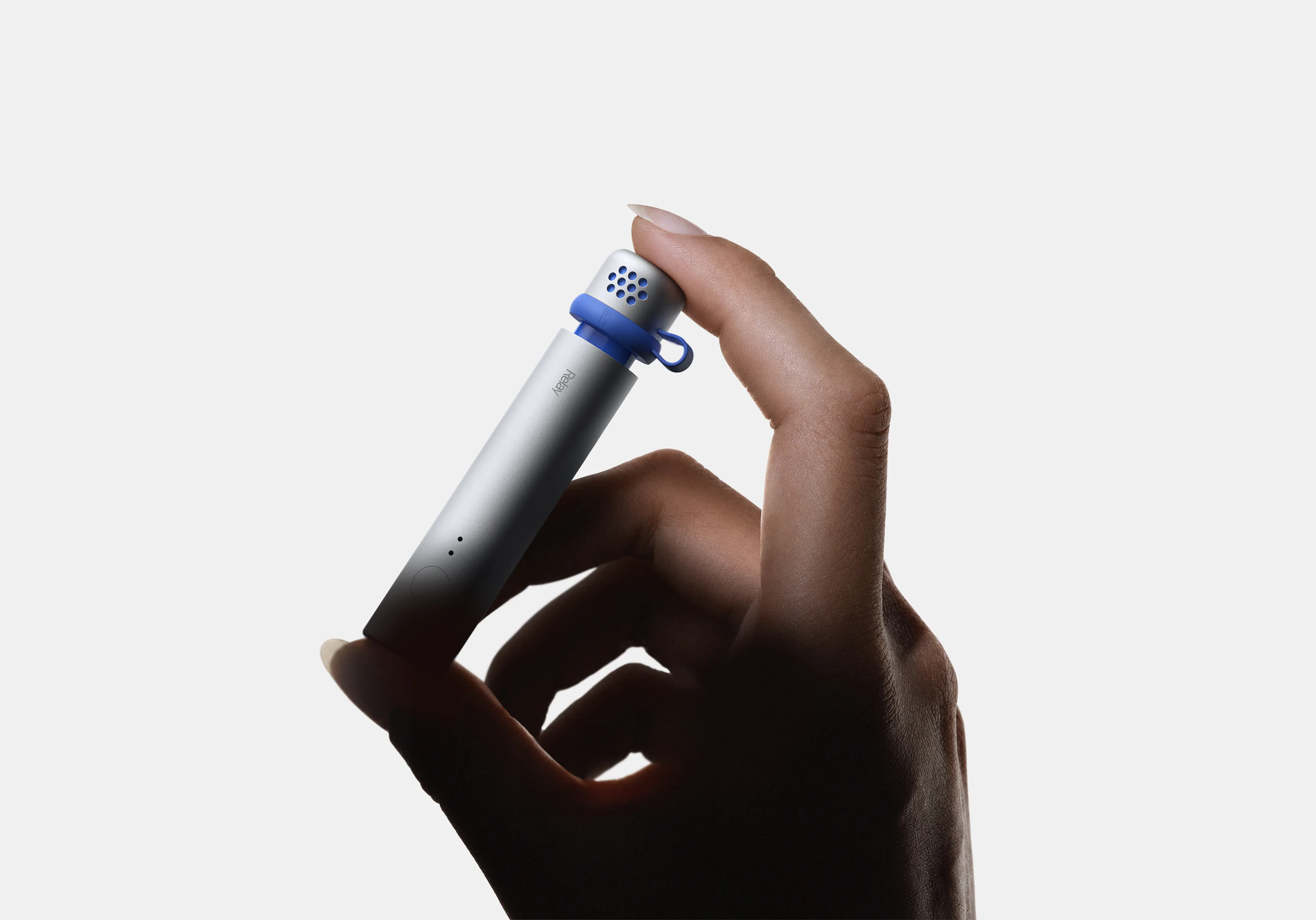
Relay Q is our vision of what the future of input looks like.Ships January 2027.
Microphone
Supports whisper-level capture.
Control
Hold to capture, double-press to send.
Form
Designed for handheld and wearable clip-on use.
Compatibility
Designed to work with all your devices.

Closer by nature.
Relay Q is designed for speaking up close, giving you clearer pickup without needing to raise your voice.

Hold it or wear it
Relay Q uses a magnetic modular design to switch naturally between handheld and wearable modes.

Memory that stays with you
Relay Q adapts to you as you use it, learning your preferred tone of voice over time. That memory stays on your devices, never as a profile on our servers.
Frequently
asked
questions.
Frequently asked questions.
Is Relay always listening?+
No. Relay records only while you press and hold the assigned recording key. There’s no wake word and no background recording.
How is Relay different from dictation apps like Wispr Flow?+
Relay is designed to do more than turn speech into text. It uses the context available to understand what you're trying to accomplish, with dictation being just one possible outcome. That can mean shaping a message to fit the person or app (try Terminal commands!), searching for and inserting a link, or triggering a custom Relay Skill. Relay aims to save you not just keystrokes, but the extra clicks and friction that usually come after them.
Do I need Relay Q device to use Relay for macOS?+
No. You can use Relay for macOS entirely on its own. Relay Q is optional push-to-talk hardware designed to make voice input feel more natural and work more reliably in different environments.
Which apps does Relay work with?+
Relay for macOS works in every application that you use your keyboard to type into. You can also create custom Relay Skills for apps and workflows that are not supported out of the box.